In our fast-paced digital world, the ability to manage documents efficiently on the go is no longer a luxury—it's a necessity. Whether you're a student juggling lecture notes, a professional handling contracts, or a small business owner tracking receipts, you need a reliable tool to digitize, organize, and read your files. The "PDF Reader: PDF Scanner" app aims to be that one-stop solution. This app by APERO TECHNOLOGIES packs a powerful punch, combining a high-quality document scanner, a fast PDF reader, and smart file management tools into one streamlined package. With over 650,000 ratings on the Google Play Store, it's clearly an app that many users are turning to for their document needs.
The Core Feature: A Document Scanner in Your Pocket
The first standout feature is the app's ability to turn your phone's camera into a powerful document scanner. Gone are the days of hunting for a bulky flatbed scanner. With this app, you can instantly scan receipts, invoices, contracts, notes, or even ID cards and convert them into high-quality PDF files. The built-in intelligence handles the technical heavy lifting for you, featuring automatic edge detection and smart cropping to ensure your scans are clean and perfectly framed . It also includes perspective correction to straighten out images taken at an angle, resulting in a professional-looking digital document. You can even scan multiple pages to create a single, multi-page PDF, making it perfect for digitizing entire documents or books.
Beyond Scanning: A Robust and Versatile PDF Reader
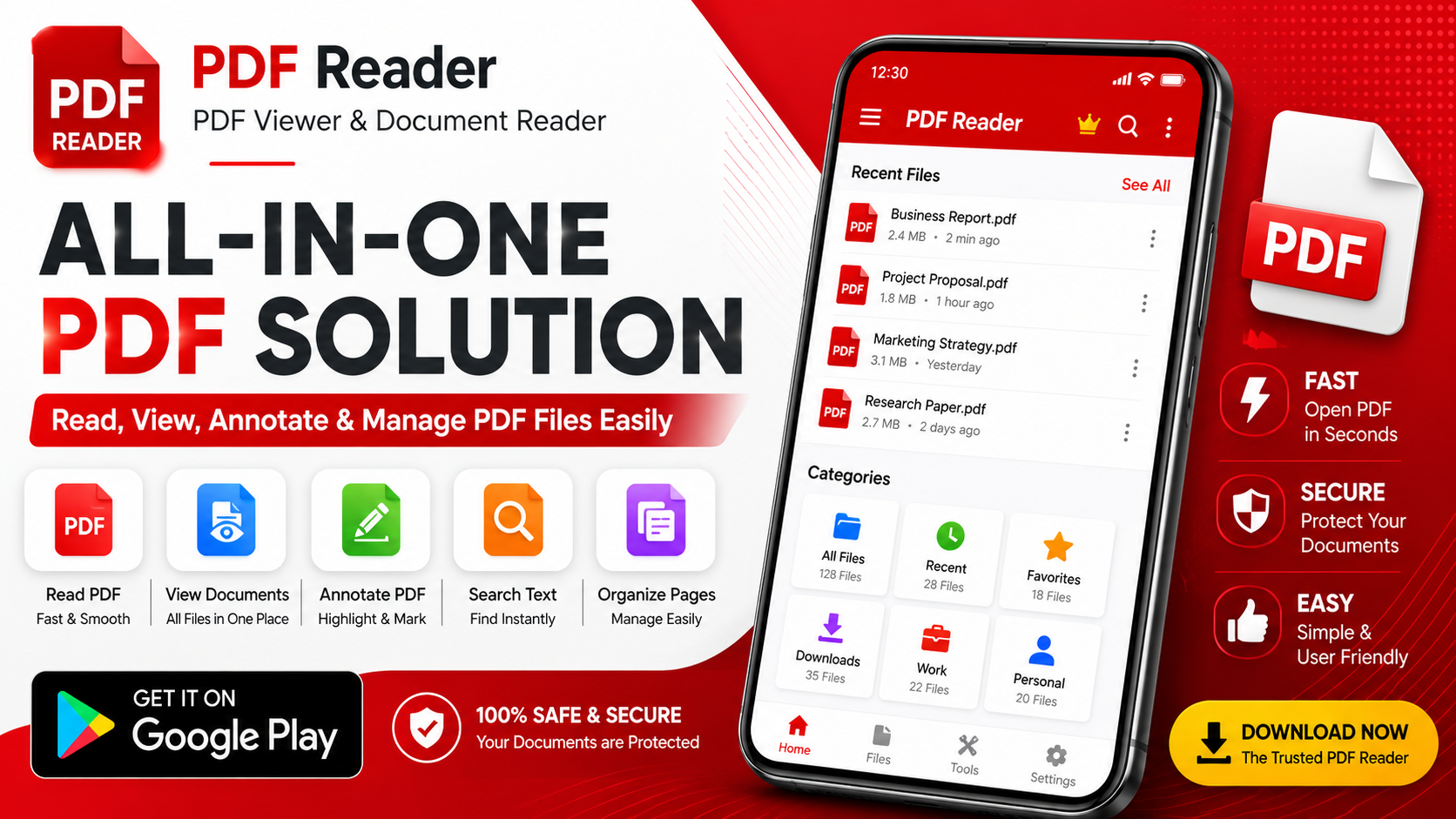
Once you have your digital documents, the app excels as a reliable and fast PDF reader. It's designed to handle large files smoothly, allowing you to open and read PDFs, as well as other common file types like docx, XLSX, PPT, and TXT files . This makes it a central hub for accessing all your important work or study materials. The reading experience is customizable and user-friendly, offering features like:
- Smooth Scrolling & Zoom: Navigate through documents easily with pinch-to-zoom and fluid page scrolling.
- Text Search: Quickly find specific information within a PDF, saving you from manually scanning pages.
- Page Navigation: Jump directly to a specific page number and view the total number of pages.
- Reading Modes: Switch between light and dark modes for comfortable reading in any environment.
- Bookmarks: Add bookmarks to important pages for quick future reference.
Picture-to-PDF and Seamless File Management
A particularly handy feature is the ability to convert pictures into PDF files. If you have photos of documents or whiteboards, you can use the app to quickly convert them into a PDF with just one tap . You can also combine multiple images into a single PDF file, which is excellent for creating a digital portfolio or consolidating photo evidence. Managing all your documents is made simple with the app's organizational tools. You can:
- Sort Files: Organize your documents by name or date.
- Search: Use the quick search function to find any file instantly.
- Rename & Delete: Manage your library by renaming files or deleting old ones.
- Share Easily: Share PDF files with a single click through other apps like email or messaging platforms.
This centralized management system helps you keep track of all your important documents, from invoices and receipts to study materials and contracts, all in one place.
Privacy and Offline Functionality
In an age where data privacy is a major concern, this app makes a strong commitment to security. The developer states that no user data is shared with third parties, and no data is collected at all . This is a significant selling point for users who are cautious about where their personal or business documents might end up. Furthermore, the app works entirely offline. You can scan, convert, and read PDF files without needing an internet connection . All your documents remain stored on your device, giving you complete control and access to your files anytime, anywhere, without relying on cloud services or worrying about data breaches. The app also ensures data is encrypted during transmission for an added layer of security.
Who Is This App For?
The "PDF Reader: PDF Scanner" app is designed for a broad audience. Its versatility makes it an invaluable tool for:
- Office Professionals: Scan paper documents for digital records, read and annotate contracts, and manage files efficiently.
- Students: Digitize notes, scan handouts and textbook pages, and read study materials (like PDFs, .docx, and .pptx files) on the go.
- Small Business Owners: Keep track of receipts, invoices, and client contracts without a bulky filing cabinet.
- Anyone Needing Quick Scans: It's a perfect solution for anyone who needs to digitize a physical document quickly and reliably.
It effectively eliminates the need for a dedicated scanner and provides a fast, reliable way to manage your digital life.
User Feedback and Honest Perspective
The app has received a massive amount of feedback, with over 650,000 ratings. The overall rating is a solid 4.5 stars, which suggests that a large majority of users find it effective and reliable. Recent updates in August 2026, including bug fixes and performance improvements, show that the developer is actively maintaining the app. However, like any app, it has some negative reviews. Some users have reported specific features not working, such as the "image to PDF" function, and others have left brief, critical feedback. The developer, APERO TECHNOLOGIES, provides contact information and encourages users to provide feedback, which is a good sign that they are open to improving the experience.
The Final Verdict: A Powerful and Private Document Solution
The "PDF Reader: PDF Scanner" app is a robust and versatile tool that successfully combines essential document management functions. Its biggest strengths are the powerful AI-driven scanning capabilities, a smooth and feature-rich PDF reader, and a strong emphasis on privacy and offline functionality. The ability to work with multiple file types and organize everything in one place makes it a powerful productivity booster.
While there are reports of occasional bugs, the core functionality is clearly valued by millions of users. If you're looking for a single app to replace multiple document tools and want the peace of mind that comes with strong data privacy, this app is an excellent choice. It’s a perfect example of how our smartphones can become powerful, pocket-sized offices.